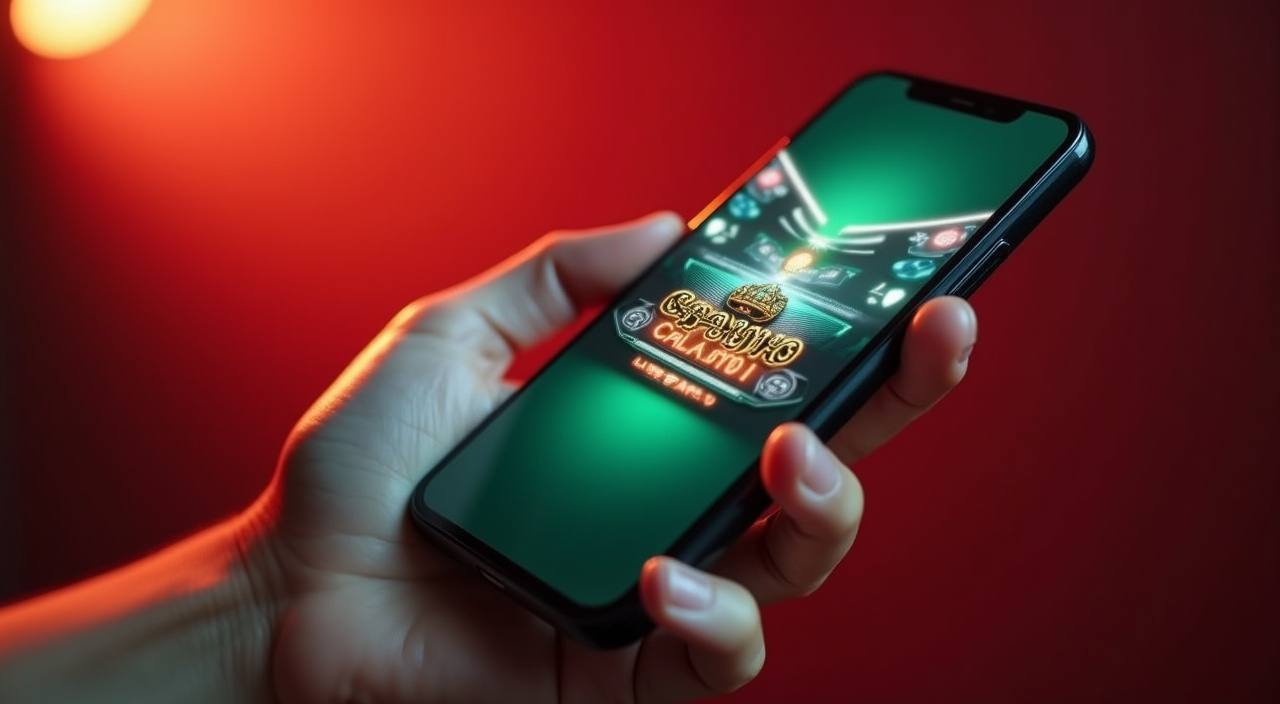
The bet622 lobby loads on your mobile browser without any separate download required — slots, live casino tables, and cricket betting are all reachable from the same account you use on desktop. Check the current domain at bet622 to confirm you are on the right page, then sign in to see what is available in your region.
Before opening your account on any device, run through these checks to make sure you are on the correct site and your credentials stay protected. Mobile access works through your browser, so the domain and connection matter as much as they do on desktop.
Confirm the current domain
Always load bet622 through the published address at bet622. If a link takes you somewhere else, close it and type the address directly. The correct domain is the first thing to check before entering your login details on any device.
Review published device guidance
The help section inside your account lists which browsers and screen sizes the lobby is tested on. Check that page after login rather than relying on third-party sources, since supported configurations are updated when the platform changes.
Protect your account credentials
Do not save your password in a shared browser profile or on a device other people use. If you think your login details have been seen by someone else, use the account recovery path shown on the sign-in page to reset them immediately.
Use the published recovery path
If you cannot sign in, the recovery option is on the login screen — follow the steps shown there rather than contacting unofficial channels. The recovery flow will ask you to verify the account details you registered with.
WHAT LOADS ON MOBILE
What the Mobile Lobby Actually Gives You
When you open bet622 on your phone, the layout shifts to a single-column view that keeps the main category tabs — slots, live casino, table games, and sports — within thumb reach at the bottom of the screen. Game tiles from studios like Pragmatic Play, PG Soft, and CQ9 load as cover cards you can scroll through horizontally, the same way they appear in the desktop lobby. Your account wallet, deposit history, and help pages are all reachable from the menu icon at the top right. The search bar lets you filter by game name or studio without leaving the page. Whether a dedicated app build is currently available for Android or iOS is shown in your account dashboard after login — we do not publish that status here because it can change, and the dashboard always reflects the current state.
BROWSER BEHAVIOUR
Mobile Page Features Worth Knowing
These are the rendered behaviours you can verify yourself once the lobby loads on your phone. They apply to the browser version of the site and do not depend on a native app being installed.
Responsive navigation
The category rail — slots, live casino, table games, sports — reflows into a scrollable tab row on smaller screens. You can switch between Crash Energy in the slots section and a live table without reloading the page, keeping your session active throughout.
Account routes on mobile
Your wallet balance, transaction record, and account settings are all accessible from the mobile menu. The deposit flow for bKash and Rocket follows the same steps as desktop — the fields and confirmation screen are the same, just stacked vertically.
Game discovery by studio
The studio filter works on mobile the same way it does on desktop. Select Spadegaming, JDB, or any other listed studio from the filter row and the tile grid updates immediately. Titles like Football QuickScore and Nagad InstantCash appear in their assigned categories.
Help pages in-browser
The support section and FAQ load as standard web pages inside the same browser tab. You do not need a separate app to reach account help or to submit a query. The contact options shown there are the same ones available on desktop.
GETTING STARTED
Mobile Access in 3 Steps
Getting the lobby running on your phone takes three straightforward steps through your browser. There is no file to download before you can start — the site loads like any other page, and your existing account works immediately. If you run into a display issue at any step, the help section inside your account has a device compatibility check you can run from the same browser.
Open the current site
Type bet622 directly into your mobile browser address bar. Do not use a saved bookmark from an old device without checking that the address still matches the published domain — the correct URL is always shown on the official social channels.
Check browser compatibility
The lobby is designed for current versions of Chrome and Safari on Android and iOS. If the page does not render correctly, check that your browser is up to date through your device settings, then reload. The account help section lists tested browser versions.
Sign in securely
Enter your registered email and password on the login screen. If you are on a personal device you trust, your browser can save the credentials for faster access next time. On a shared device, use private browsing mode and sign out when you are done.
Verify app availability in your account
Once signed in, check your account dashboard to see whether a native app build is currently offered for your device type. That section reflects the live status — if nothing is shown there, browser access is the current path for your region.
DEVICE CHECKLIST
Compatibility — What to Check on Your Device
The items below cover the main things that affect whether the lobby loads and plays correctly on your phone. Run through them if you are setting up on a new device or after a browser update.
Browser version
Use a current release of Chrome or Safari. Older browser versions may not render the game tiles or account forms correctly. Update through your device's app manager if the lobby looks broken.
Screen layout
The lobby is tested on standard portrait and landscape orientations. If a game opens in the wrong orientation, rotate your device — most titles lock to landscape automatically once the game screen loads.
Account requirements
You need a registered and verified account to access the full lobby on mobile. The sign-up and verification steps are the same on mobile as on desktop — follow the fields shown on the registration page.
Currently supported devices
The account help section has a compatibility page that lists device types the platform has been tested on. Check that page after login for the most current information rather than relying on this page, which may not reflect recent updates.
Regional availability
Access to the lobby and specific game categories depends on your local law and eligible region. The account dashboard shows which sections are available to you after sign-in. If a category is not visible, it may not be available in your region.
APP HELP PATHS
Get Help with Mobile Access
If the lobby is not loading correctly on your phone, or you have a question about account access on mobile, these are the channels to use. All support paths are accessible from your mobile browser — you do not need a desktop to reach them.
Live chat support
The live chat option is in the help section of your account. Open it from your mobile browser the same way you would on desktop. Use this for login issues, display problems, or questions about what is available in your region.
Email support
For account recovery or issues that need a written record, use the email address shown in the contact section of your account. Include your registered email and a description of the problem so the team can respond with the right steps.
In-account help pages
The FAQ and device guidance pages inside your account cover the most common mobile access questions — browser settings, screen layout, and how to check app availability for your device. Check there first before contacting support.
APP QUESTIONS
Common Questions About the bet622 App
These are the questions we hear most from people setting up mobile access for the first time or switching to a new device.
Does bet622 have a native app I can download?
Whether a native app build is currently available for Android or iOS is shown in your account dashboard after you sign in. That section reflects the live status for your region. If nothing is listed there, the mobile browser version at bet622 is the current access path.
Can I use my existing account on mobile?
Yes — your registered account works on mobile browser exactly as it does on desktop. Sign in with the same email and password at bet622. Your wallet balance, game history, and account settings are all there once you log in.
Which browser works with the bet622 mobile lobby?
Current versions of Chrome and Safari on Android and iOS are the tested options. If the lobby does not display correctly, update your browser through your device settings and reload the page. The account help section lists the specific versions that have been tested.
Can I deposit using bKash or Rocket from my phone?
The deposit flow for bKash and Rocket is available through the mobile browser. Open your account wallet after signing in and follow the steps shown for your chosen payment method. The fields and confirmation screen are the same as on desktop, stacked for a smaller screen.
Why is a game category not showing on my phone?
Some categories depend on your region and account status. If a section visible on desktop is not appearing on mobile, check that you are signed in and that your account is fully verified. Regional availability is shown in your account dashboard after login.
How do I know I am on the correct bet622 site on mobile?
Type bet622 directly into your browser address bar rather than following a link from an unknown source. The correct domain is published on the official channels. If the address in your browser bar does not match, close the tab and navigate directly.
 Live / App